

Feeds that fall behind
Prices and descriptions may no longer match the store.
Connect
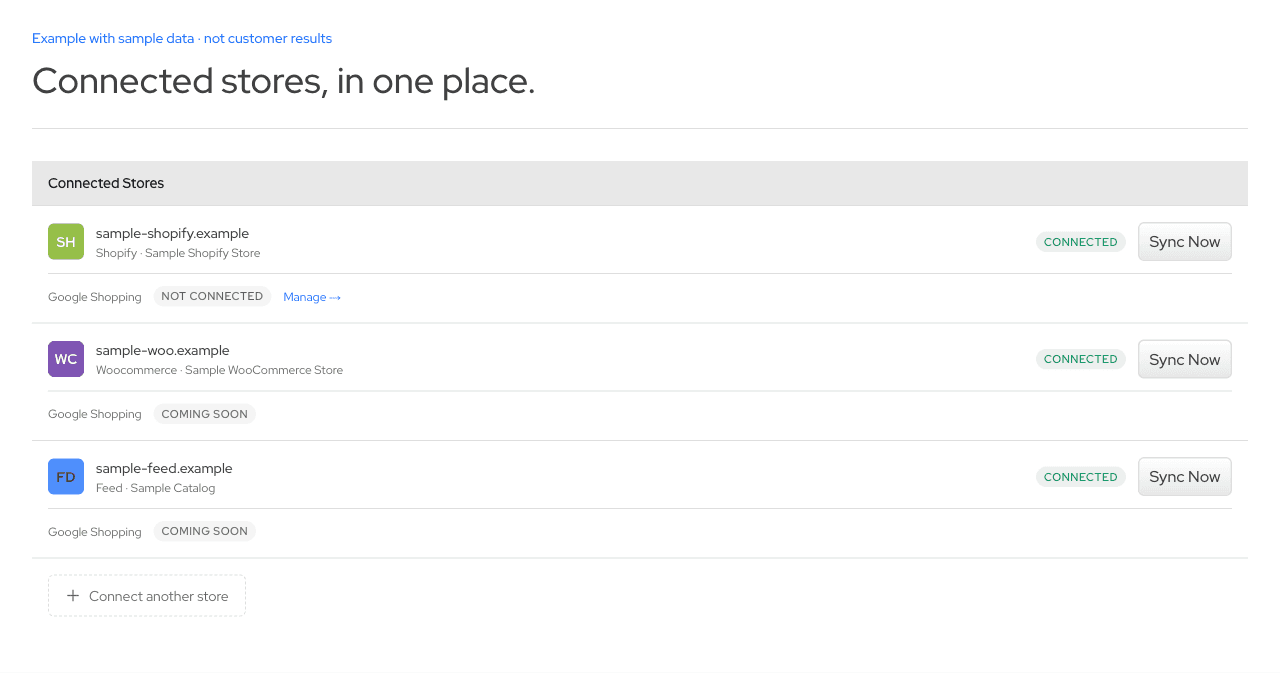
Connect Shopify or WooCommerce, import a supported product feed or CSV, or start from an accessible Shopify or WooCommerce store address. ecentic imports your catalog so you can choose the products to compare. Publishing product changes is a separate action.
Your address carries into sign-up and the existing free scan. No payment details needed.
[01] The problem
The store has one version, Merchant Center has another, and the feed your agency built has a third. Product information can differ between them.
Store catalog
Merchant Center
Product feed
Prices and descriptions may no longer match the store.
The team changing the catalog may not manage the Google feed.
Decide which catalog and products your team will compare.
[02] How it works


XML / JSON / CSVChoose the source you want to bring in.

Merchant Center is a separate Shopify connection.
Choose which imported products to compare.
Import supported product fields first. Publishing changes remains a separate action.
[03] What changes
Example with sample data. Importing creates a working copy in ecentic. It does not enrich missing product facts.
Example with sample data
Illustrative product artwork. The sample record does not describe the pictured model.
connect-example.json
Unified diffAdded: +2Removed: −2
{ "product": { "title": "Wireless headphones, 30-hour battery", "description": null, "identifiers": { "gtin": null } }, "source": { "format": "CSV",Removed: "location": "Supported CSV export",Removed: "imported": falseAdded: "location": "Imported product in ecentic",Added: "imported": true }, "write_access": { "connector": null, "publish": false, "store_listing_changed": false }}Why these fields matter
Both views use the same source facts. Missing attributes stay missing. Illustrative record, not an API request.
[04] Why it works
Compare supported catalog fields rather than guessing from a homepage.
Import products first. Authorize content changes later.
Keep the stores you own together under one login.
[05] After connecting
Which products were imported successfully.
Which supported fields are present in each source.
Import errors and Merchant Center diagnostics where connected.
Connect Shopify or WooCommerce, upload a CSV, or paste a supported XML or JSON feed URL.
Connect through Shopify OAuth. Product imports do not rewrite your listings. Connecting also installs the Shopify visit-tracking script.