

Too many listings
Decide where to begin with the products that lose your simulations.
Fix
Use simulation findings to decide which listings need work. ecentic rewrites titles and descriptions from the product facts already available when you apply a listing change. Structured data and Merchant Center sync have their own publishing controls.
[01] The problem
A missing battery life, a vague size, or a description that no longer matches the product. Each gap makes a comparison less useful. The source facts need to come from you or your supplier.
Decide where to begin with the products that lose your simulations.
Make the facts you have easier to read and compare.
Keep store content, structured data and the Google feed distinct.
[02] How it works
Read the comparison and decide which product to improve.
Apply generates and publishes a title and description from the current product facts. There is no completed-rewrite preview before that action.
Use the separate structured-data action. On Shopify, choose when to send published listing fixes to Merchant Center.
The lift shown for a fix is an estimate. Run a new scan yourself to compare the next set of decisions.
[03] What changes
Example with sample data. This illustrates a possible rewrite, not a preview feature. No new specifications or identifiers are invented.
Example with sample data
Illustrative product artwork. The sample record does not describe the pictured model.
fix-example.json
Unified diffAdded: +3Removed: −3
{Removed: "title": "Wireless headphones",Removed: "description": "Wireless over-ear headphones. Battery: 30 hours. USB-C charging.",Removed: "price_and_stock": "Original store values"Added: "title": "Wireless headphones with 30-hour battery",Added: "description": "Listen for up to 30 hours with these wireless over-ear headphones. Recharge through USB-C.",Added: "price_and_stock": "Unchanged by the listing action"}Why these fields matter
The 30-hour battery fact already exists in the source description. This example is not an in-product preview. Illustrative record, not an API request.
[04] Why it works
The generator works from the existing title, description and win rate. It does not consume a competitor’s missing-attribute list.
Listing and structured-data changes run only after an action you choose.
Published listing records can be sent as supplemental Merchant Center data for Shopify.
[05] After publishing
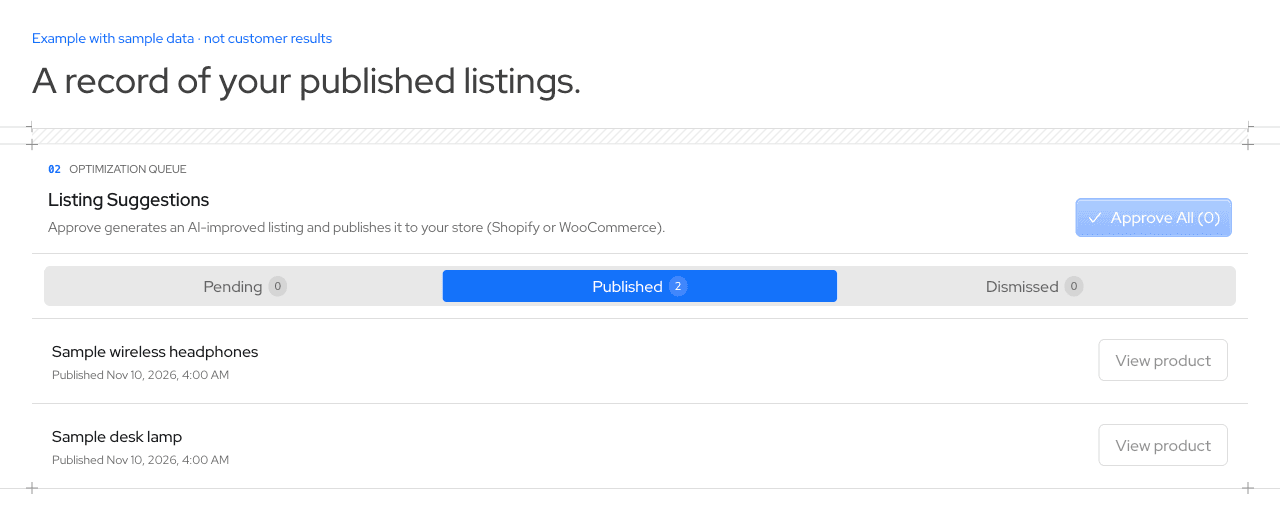
The products you selected for publishing.
Compare completed scans before and after the work, separately from the estimated lift.
Review diagnostics after sending your supplemental data.
Apply generates and publishes title and description changes on directly connected Shopify or WooCommerce stores. Rewrites reorganize existing facts. Confirm missing facts in your source catalog first.
Publish schema.org Product data through a separate action. Shopify stores need the app embed enabled for the product metafield to render; the WooCommerce plugin renders its product metadata.
Simulations and listing checks can surface gaps. ecentic does not generate GTINs, certify product claims or manufacture specifications you do not have.
For a listing rewrite, Apply is the publishing action. Structured data uses a separate publishing action. You can also choose an explicit bulk action for the products it covers.
On Shopify, send the published fixes through the Google Shopping controls. This creates supplemental data without replacing the main feed. Listing Apply does not automatically run this sync.